



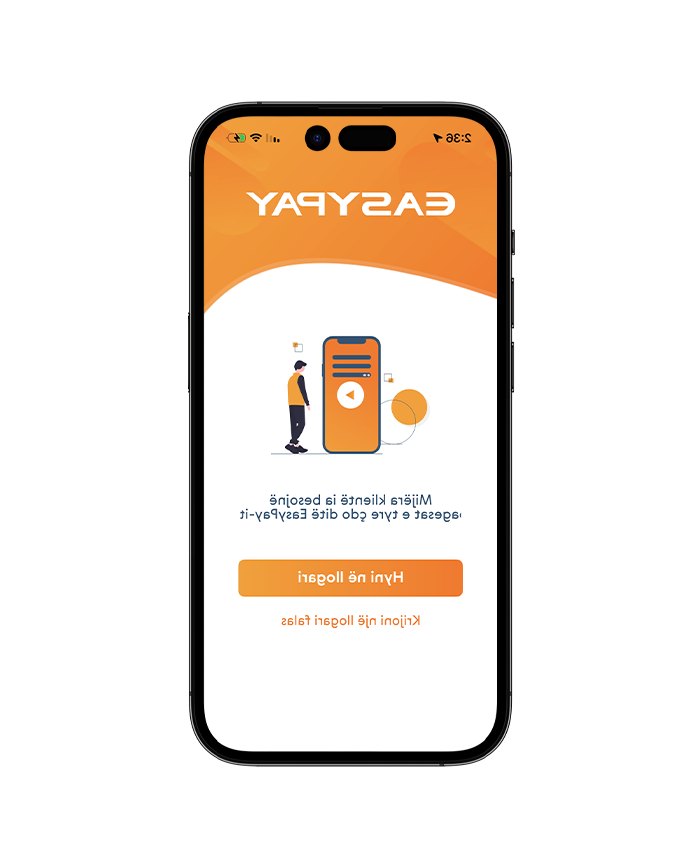

Download EasyPay from the App Store or Google Play.
Click the ‘Download Now’ button to install the app directly.
Once the installation is complete, proceed to the second step.
Creating an account takes less than 3 minutes.
1. Choose the type of account.
2. Fill in the required information.
3. Complete your identity verification (KYC).
4. Complete your registration.
Click here for a step-by-step guide.
Congratulations! You are now part of EasyPay!
Log in to the app using your username and password, then click ‘Log In’
Now you can top up your account using Open Banking, your debit or credit card, direct bank transfer, or cash
<
Join the digital revolution with EasyPay!
As an EasyPay app client, you can send money to any other EasyPay client, and it arrives instantly. Manage your obligations and make payments seamlessly, directly from the app
The EasyPay services are just a few clicks away.
Click here for a step-by-step guide.
"Download" - Click here to download the EasyPay app from the app stores
"Merr app-in me SMS" - vendosni numrin tuaj të celularit dhe ne ju dërgojmë linkun e shkarkimit direkt me SMS.
Once the application is downloaded and installed proceed to the second step.
1. Choose your credentials
2. Verify your mobile number
3. Verify your e-mail address
4. Upload your ID Card or Passport
5. Fill out your personal information and finish the registration
Click here for a detailed explanation.
Congratulations! You are now part of EasyPay.
To log in, enter your username and password and click "Hyr"
You can now add money to your EasyPay account with your debit/credit card, directly from your bank account or with cash at our points of sale.
Click here for a detailed explanation.
You are now part of the revolution!
You have now full access to EasyPay's digital services. Make payments and transfer money in real-time.
The EasyPay services are just a few clicks away.
Click here for a detailed explanation.

 Kliente EasyPay
 Klient EasyPay
 Klient EasyPay
 Klient EasyPay
 Kliente EasyPay